
Bill Payment with FESCO Mobile Banking
In today’s fast-paced world, convenience and efficiency are key factors in managing our daily tasks. Faisalabad Electric Supply Company understands this need and has introduced FESCO mobile banking to make the process of paying electricity bills more convenient for its customers. With the FESCO online bill service, customers can now easily manage their electricity bills from the comfort of their homes or on the go.
View and Pay FESCO Bills Online
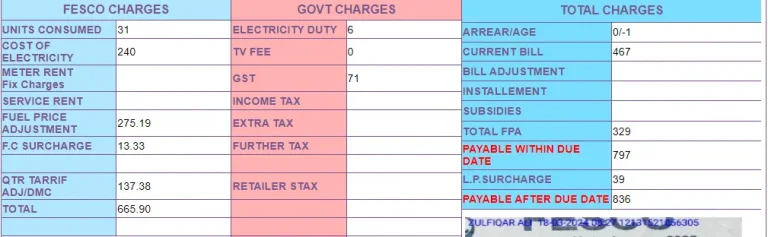
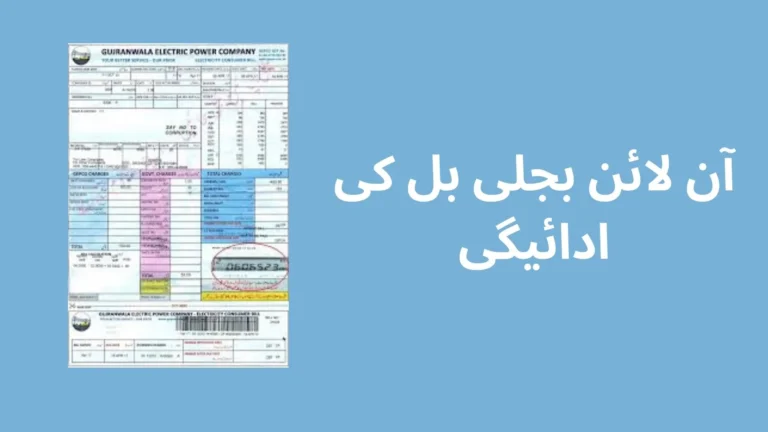
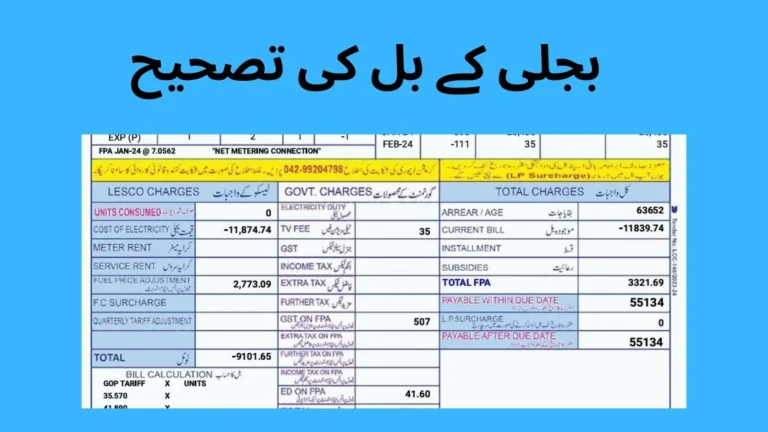
One of the key features of FESCO mobile banking is the ability to view and pay bills online. Customers no longer need to visit FESCO offices or designated bill payment centers to settle their electricity bills. Instead, they can simply log in to the mobile banking app or website, enter their account details, and access their bill information. This allows for quick and hassle-free bill payment, saving customers valuable time and effort.
Secure Online Payments
Moreover, mobile banking offers a secure platform for online bill payment. The system is designed to protect customer information and transactions, ensuring that all payments are processed safely and securely. Customers can rest assured that their personal and financial information is protected when using the mobile banking service.
ATM Payment
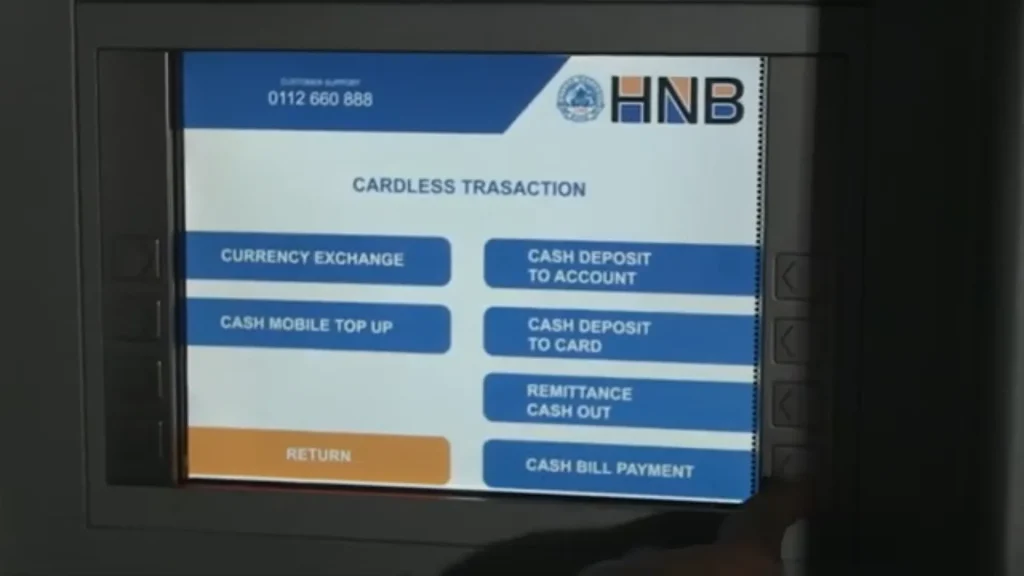
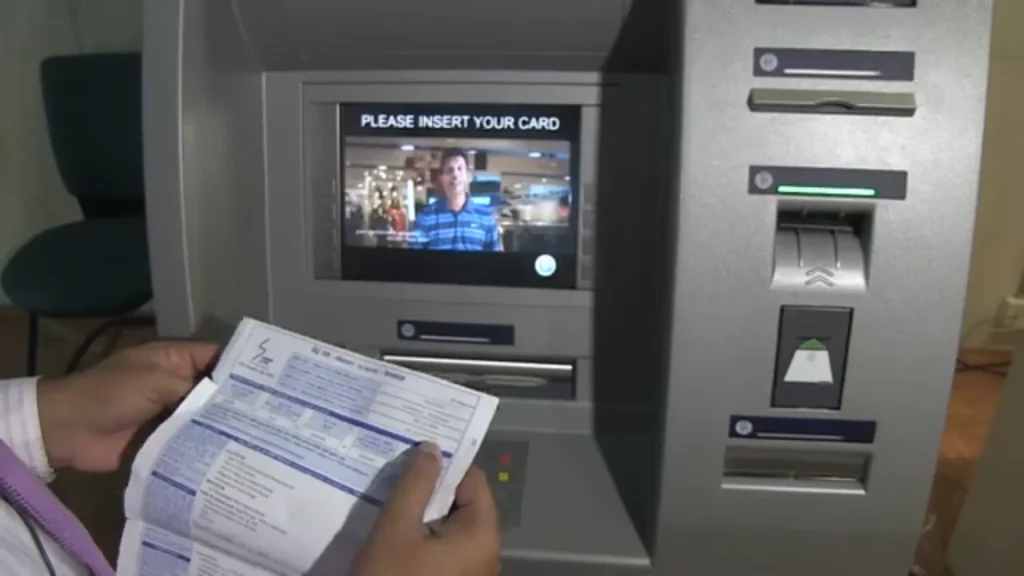
In addition to online payments, FESCO mobile banking also allows customers to pay their bills using ATMs. This provides an alternative payment method for customers who prefer to use cash or who may not have access to the internet. Customers can simply visit an ATM, select the bill payment option, and follow the prompts to pay their FESCO electricity bills.
Visit an ATM: Go to your bank’s ATM.
Insert Your Card and Enter PIN: Insert your debit/credit card and enter your PIN.
Select Bill Payment Option: Choose the “Bill Payment” or “Utilities” option.
Choose FESCO: Select FESCO from the list of billers.
Enter Reference Number: Provide your unique reference number.
Verify and Confirm: Check the bill details and confirm the payment.
Track Payment History
Another advantage of mobile banking is the ability to track payment history. Customers can easily view their past bill payments, allowing them to keep track of their electricity expenses over time. This feature can be particularly useful for budgeting purposes, helping customers to manage their finances more effectively.
FESCO Bill Payment via Jazzcash
To pay your FESCO (Faisalabad Electric Supply Company) bill through JazzCash, you can follow these steps:
- Open JazzCash App: Make sure you have the JazzCash app installed on your smartphone. If you don’t have it, you can download it from your app store (Google Play Store for Android users, and Apple App Store for iOS users).
- Login or Register: If you’re not already logged in, log in to your JazzCash account. If you don’t have an account, you’ll need to register for one. The registration process usually requires providing your mobile number and some basic personal information.
- Navigate to Bill Payment: Once logged in, navigate to the “Bill Payment” section within the app. This is where you can pay various utility bills, including your electricity bill.
- Select FESCO: Look for FESCO (Faisalabad Electric Supply Company) in the list of utility providers. It should be listed under the electricity category.
- Enter Bill Details: Enter your FESCO bill details, including your 14-digit reference number or account ID. Make sure to enter the correct information to avoid any payment errors.
- Confirm Payment: After entering the bill details, confirm the payment amount and any other required information.
- Complete Payment: Once you’ve reviewed and confirmed all the details, proceed to complete the payment. You’ll typically be prompted to enter your JazzCash PIN or use biometric authentication to authorize the transaction.
- Payment Confirmation: After the payment is processed successfully, you should receive a confirmation message or notification within the JazzCash app. You may also receive a confirmation SMS from FESCO confirming the payment.
Make sure to keep a record of the transaction for your reference, such as taking a screenshot of the confirmation screen or saving the transaction details provided by JazzCash.


Frequently Asked Questions (FAQs)
Is FESCO mobile banking secure?
Yes, mobile banking offers a secure platform for online bill payment, ensuring that all transactions are processed safely and securely.
Can I pay my FESCO bill using cash at an ATM?
Yes, mobile banking allows customers to pay their bills using cash at ATMs. Simply visit an ATM, select the bill payment option, and follow the prompts to complete your payment.
How can I track my payment history using mobile banking?
To track your payment history, simply log in to the mobile banking app or website and navigate to the payment history section. Here, you can view details of your past bill payments.
Are there any fees associated with using mobile banking?
FESCO mobile banking is free to use for customers. However, some banks may charge a fee for ATM transactions, so it’s best to check with your bank for details.
Can I use FESCO mobile banking to pay bills for multiple accounts?
Yes, mobile banking allows you to pay bills for multiple accounts. Simply add the account details for each account you wish to pay, and you can easily manage all your bills in one place.
Conclusion
In conclusion, mobile banking has revolutionized the way customers pay their electricity bills. With its convenient features, secure platform, and multiple payment options including online and ATM payments, mobile banking has made bill payment simpler and more efficient than ever before. Customers can now enjoy the convenience of managing their electricity bills online or through ATMs, thanks to FESCO mobile banking.